

Processing My RAW Files
Opinion: Most RAW workflows don’t fail because they’re wrong. They fail because they do too much.
I bet if you line up ten tutorials on YouTube or blog posts on ‘editing your photos’, they’ll all look broadly similar. Start with exposure. Add contrast. Adjust highlights and shadows. Tweak colour. Add clarity. Sharpen. Maybe denoise. Then export with some preset that promises ‘crisp’ results.
Individually, none of those steps are the problem. The issue is cumulative. Each step slightly alters the underlying data. Do enough of them, and you’re no longer refining an image, in my view you’re degrading it in small, hard-to-see increments.
Here’s my approach to avoid that issue.
This article isn’t about a better workflow in the sense of ‘more control’ or ‘more creative’ options. It’s about a ‘minimal workflow’, the least amount of intervention required before quality starts going backwards.
For what it’s worth: I usually spend no more than 5 minutes on any one image. If it takes longer, I’ve likely ruined it (in my opinion).
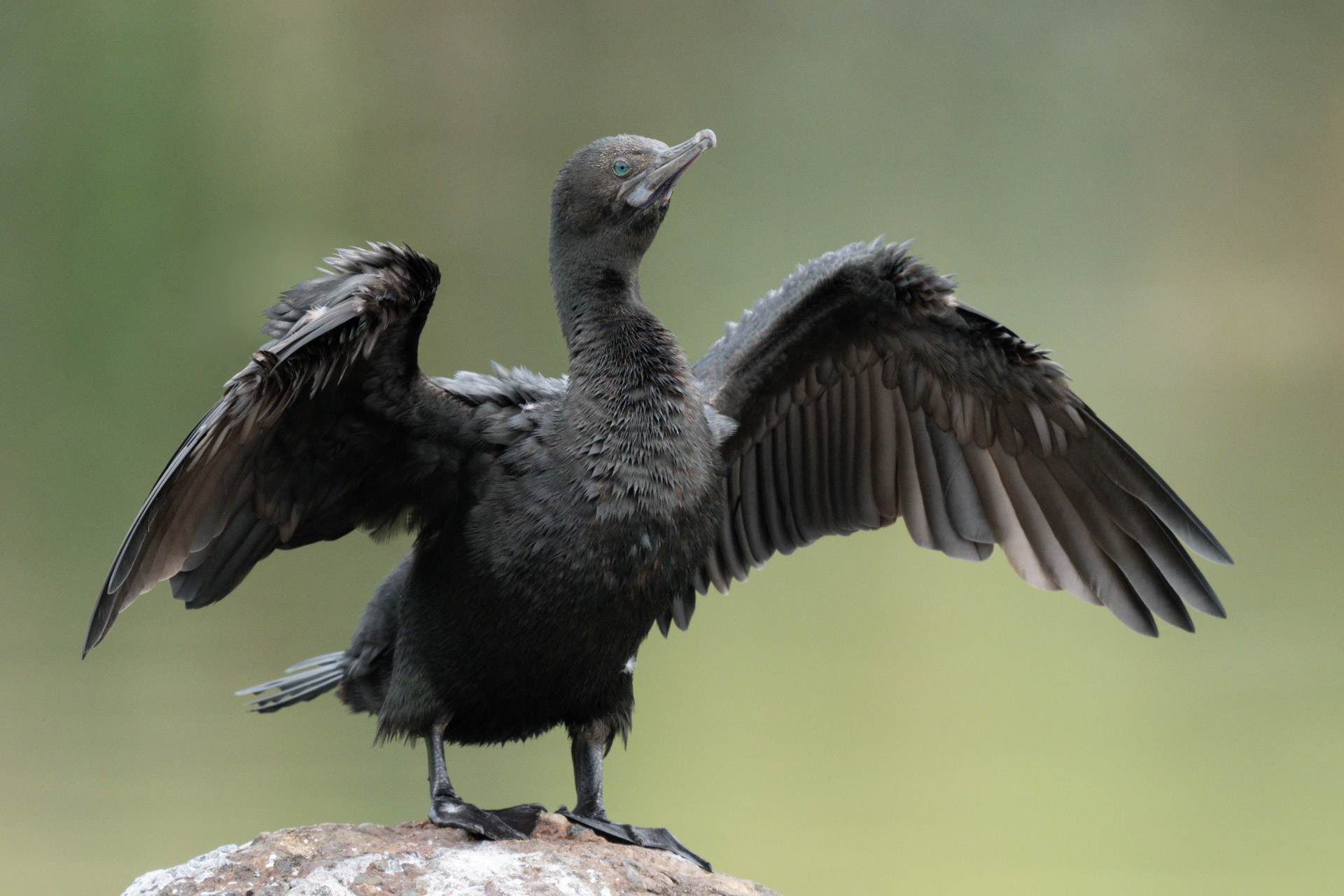
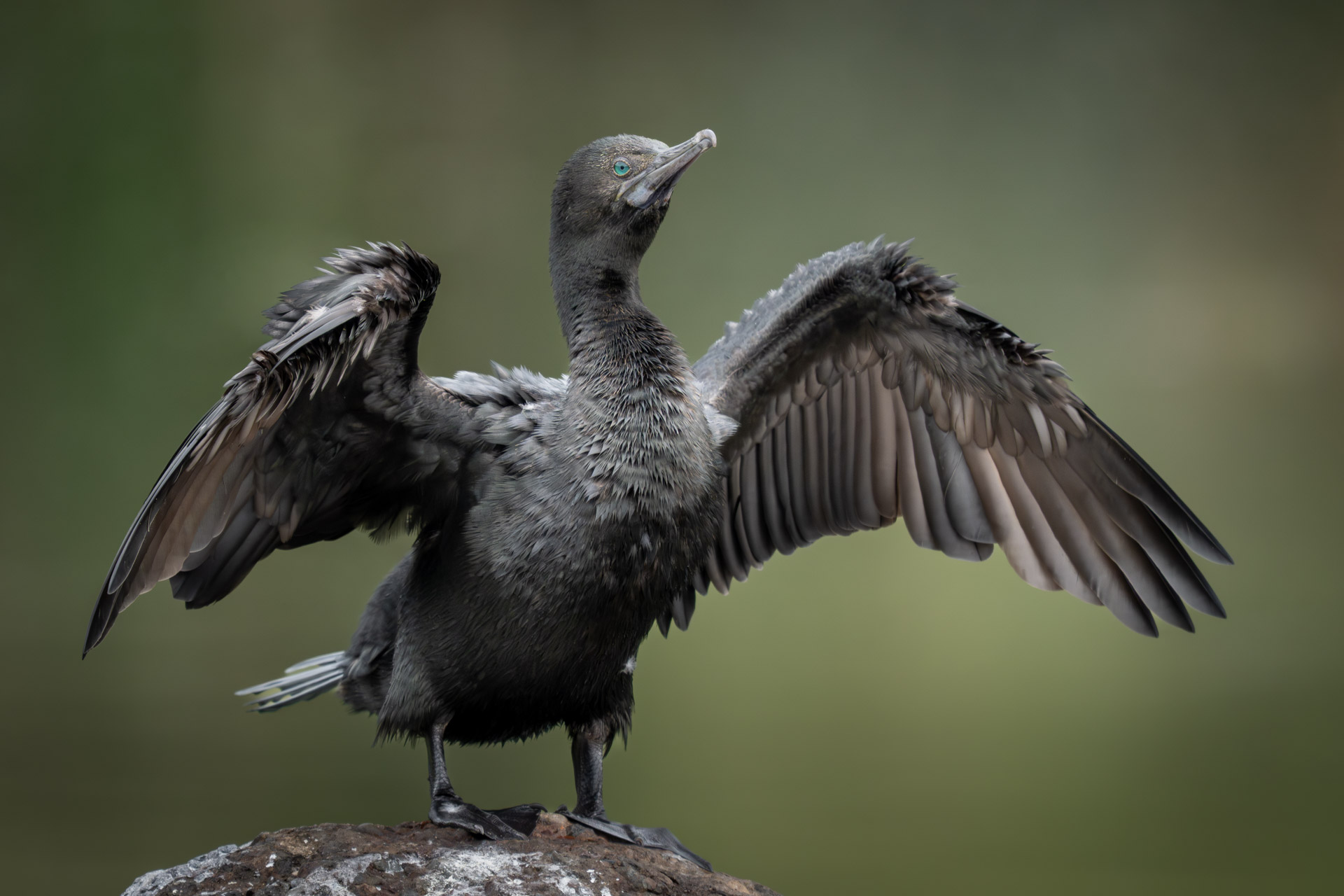
Not every image deserves processing
Before opening Adobe Camera RAW, there’s a decision that matters more to me than anything you might do with sliders:
Is this image worth processing at all?
It sounds obvious, but I think most workflows ignore it. Instead, they assume every image can be improved with enough effort.
In my view, marginal files are where the worst processing happens. You might try to lift shadows that don’t have usable data. Or try to recover highlights that are already clipped. Or maybe try to sharpen something that was never quite in focus.
That’s how you end up with brittle detail, noisy shadows, and colours that don’t quite look right.
My minimal workflow starts by accepting that some images don’t cross the quality threshold. Not everything needs to be rescued. They end in my recycle bin.
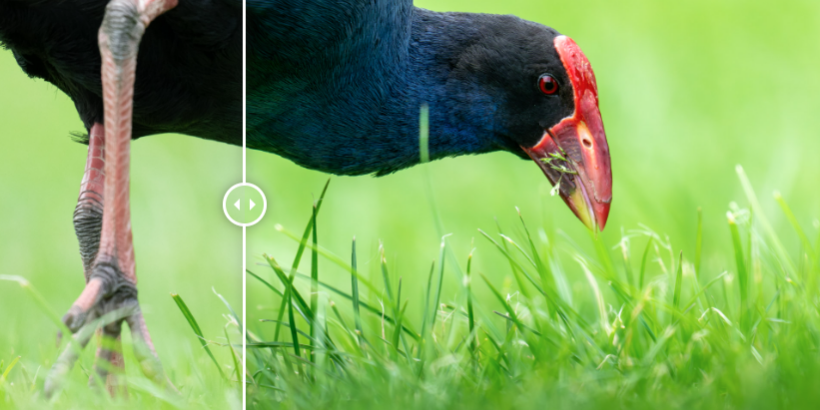
My non-standard step: I denoise and sharpen first
Most workflows leave noise reduction and sharpening until the end. That seems logical: finish your edits, then polish. It seems that I go against the grain in that respect.
The problem is that both processes operate on ‘signal structure’. And that structure is at its cleanest right at the start.
Once you begin pushing exposure, lifting shadows, or adding contrast, you’re also amplifying noise and distorting edges. If you denoise after that, the algorithm is working on a compromised signal. If you sharpen after that, you’re reinforcing artefacts as well as detail, and I try to avoid that.
So, the sequence for me becomes:
- Apply denoise early, based on what I see by zooming in
- Apply sharpening once, conservatively is preferred, seldom aggressively
Then I leave both alone.
This isn’t about getting a ‘finished’ look at this stage. It’s about establishing a clean baseline before I carry on doing any further manipulation.
I think if you get this wrong later, you’ll tend to keep compensating: more sharpening, more masking, more correction. And that’s where quality starts to fall apart.
Exposure and tonal work: I stay inside the limits
RAW files give you flexibility, but not infinite flexibility.
There are hard limits:
- Once a highlight channel is clipped, it’s gone, so I watch the clipping indicators
- Push shadows too far, and you introduce chroma noise and colour shifts, it just turns to mud
- Extreme recovery tends to compress tonal separation, even if it looks acceptable at first glance
A minimal workflow doesn’t try to extract everything that’s technically recoverable. It aims for what’s ‘credibly there’. So, the result means that if it really isn’t, I also redirect this edit into the bin.
Overall, survival of the image means:
- Bringing exposure into a usable range
- Pulling highlights back only where real data exists
- Lifting shadows to the point where they hold together, not where they become ‘visible at all costs’
There’s a subtle but important distinction here. I’m not asking, ‘how much can I recover?’ I’m asking, ‘at what point does recovery start to look fabricated?’
Most overprocessed images cross that line for me, and I often see it in images shared elsewhere.
Colour: set it, don’t overwork it
White balance is one of the few global adjustments that should be straightforward. Set it correctly or set it intentionally if you’re going for a specific look. When I shoot with my Z8, I use Auto WB. There are some shooting circumstances where the image needs minor adjustment once I start processing, which I’ll do early on in editing as well.
After that, restraint matters.
Heavy use of HSL sliders, split toning, or repeated colour tweaks tends to reduce separation between colours. Everything starts to feel slightly artificial, even if it’s hard to pinpoint why.
A minimal approach is:
- Get white balance right
- Make broad colour adjustments only if needed
- Avoid iterative micro-tweaks
If you find yourself constantly nudging individual colours, it’s often a sign the underlying image isn’t doing the work.
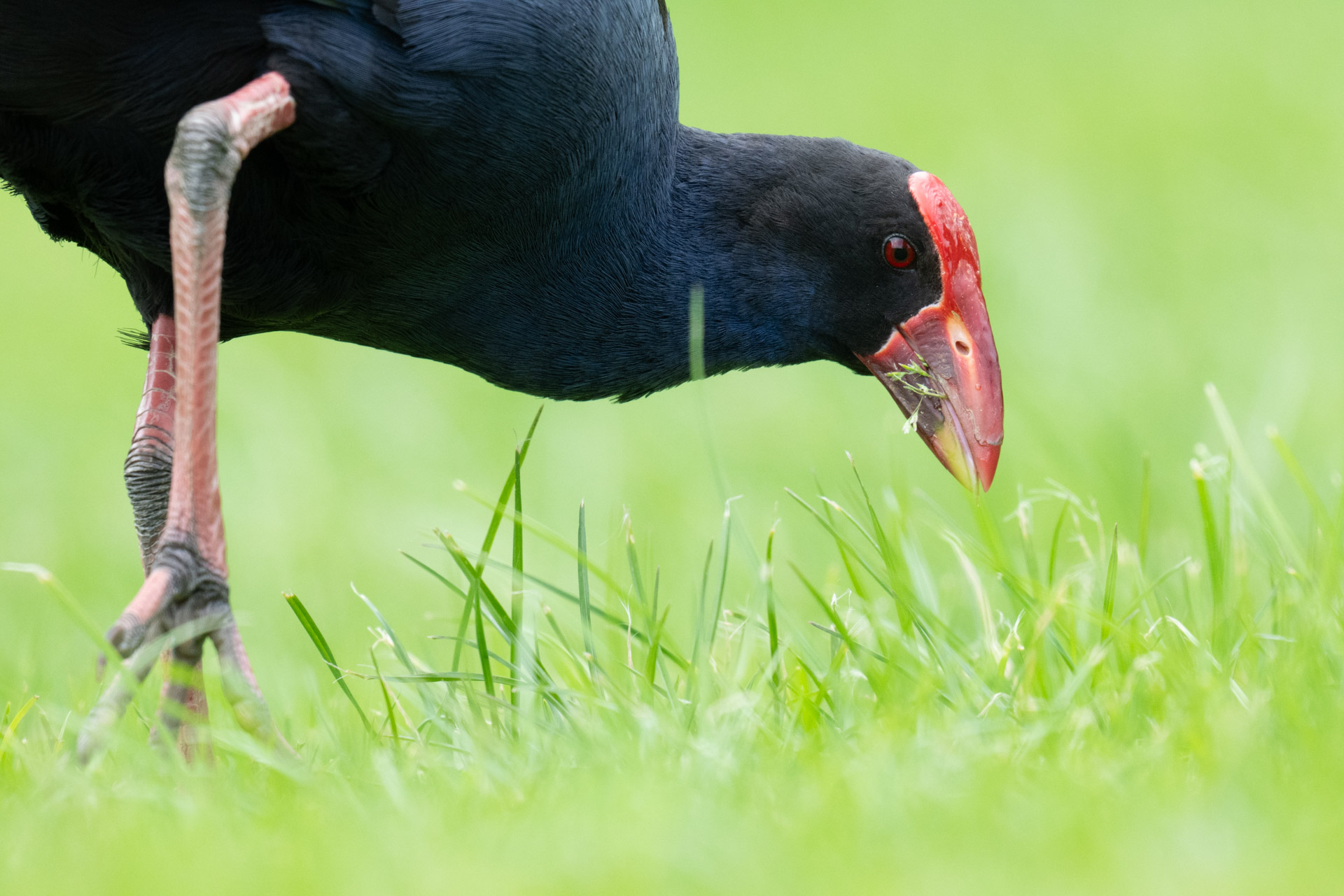
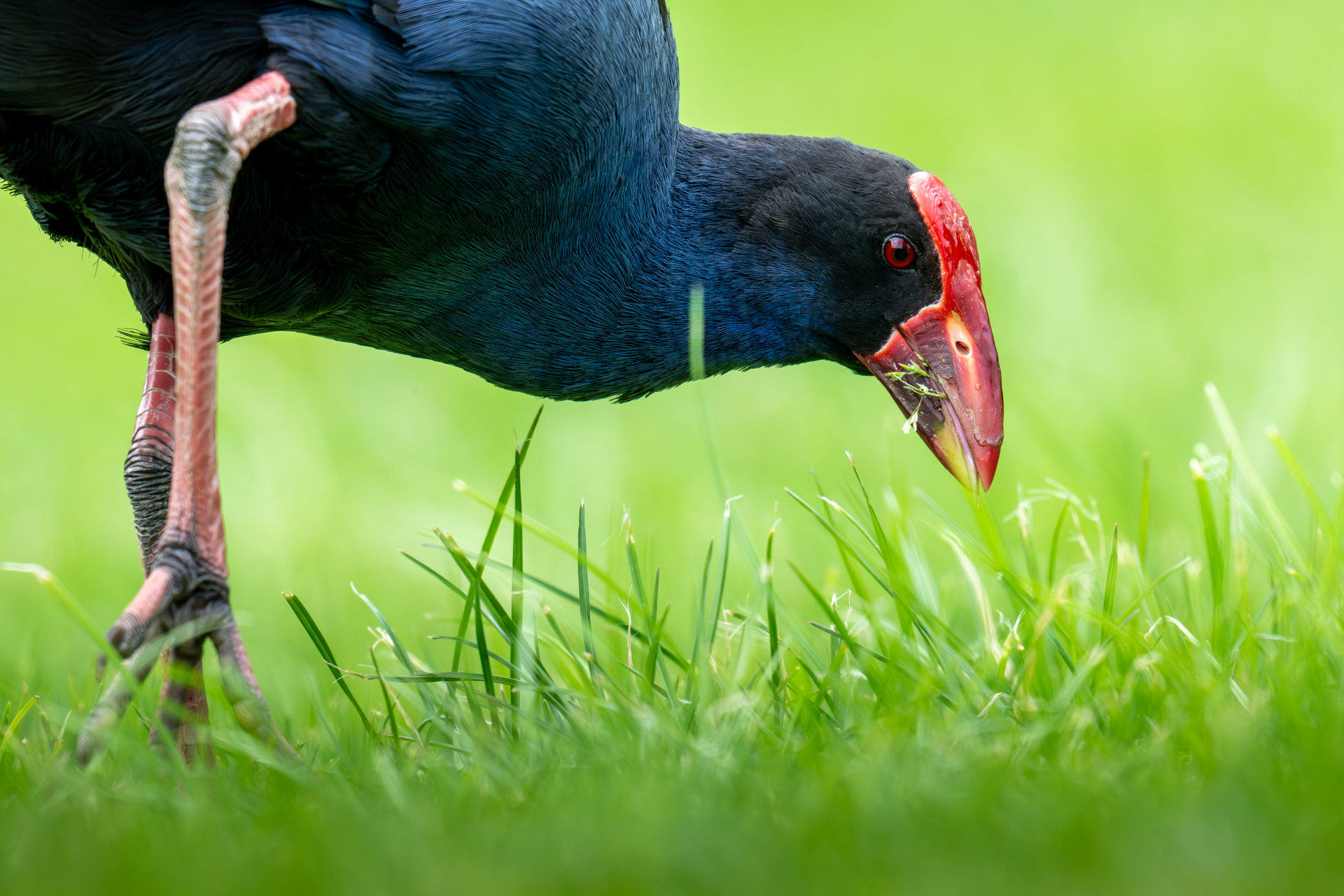
There are some examples where I have had to dial down greens or blues. Greens when grass or greenery is just too distracting from my subject. I’m not colour adjusting the whole image because of a green tint. If there was one, I use the Green-Magenta tone slider very conservatively. I’ll reduce blues when reflected skylight adds a cold tone into shadows.
Local adjustments: solve problems, don’t decorate
Local adjustments are powerful, and that’s exactly why they’re easy to overuse.
In a minimal workflow, they exist for one reason: to fix something the global edit couldn’t resolve.
That might be:
- Slightly lifting a subject where exposing globally would damage the background
- Toning down a highlight in a specific area
- Adding a bit of structure where the lens or light flattened things out
What they’re not for is incremental improvement across the entire frame.
The more masks you stack, the more you risk:
- Inconsistent contrast across the image
- Visible transitions or halos
- A general sense that the image has been “worked on”
For this reason, I will usually only have one mask on any specific area, but will occasionally apply two masks to very similar areas solely because one was designed for smooth transition, and the other for a harder contrasting adjustment.
The most common masks I apply are:
Background
- To darken or lighten a background to make the subject stand out better. Usually these are finished off using a heavily feathered brush to ensure any halos are blended away. As a rule, the maximum darkening I apply to a background is 1 stop because otherwise it looks excessive.
- I may also use a background and gradient intersect, usually to remove some degree of distraction that the background creates. It usually depends on the orientation of the subject.
Eye Detail
- Often, I select just the eye, and very slightly lighten it and add a little contrast. This can make the eye ‘pop’ in an image and become a point of interest. When natural lighting creates shadows over eyes, this tactic is an advantage.
Subject
- I rarely mask the subject. Usually that’s handled in the global corrections.
If an image needs extensive local correction to function, it’s usually a signal that the capture wasn’t strong enough.
One pass, not five
This is less about software and more about behaviour.
There’s a strong temptation to revisit images. You process something, leave it, come back the next day, tweak a bit more, compare versions, tweak again.
Each pass feels like refinement. It often pushes further into artefacts, a bit more contrast, a bit more sharpening, a bit more shadow lift.
Over time, you normalise those changes. The edited version becomes your baseline, even if it’s technically worse.
A minimal workflow treats processing as a ‘single decision-making pass’.
If it works, it works. If it doesn’t, the file probably wasn’t strong enough to begin with.
If I do decide any image needs a second pass, then I’ll Duplicate the RAW first, remove or clear any corrections, and start again as if it’s a brand-new image. That method reduces the chance that I build on top of existing corrections and start to degrade the image.
It’s sometimes fun to discover that my second pass looks very similar to my first. And fun to discover I created a completely different effect.
I apply this same principle when changing any image to Monochrome, by duplicating first, clearing some or all edits, then applying B&W adjustments, which require different handling, often need more contrast and different tonal range settings.
Output: match the destination, not a habit
Export is where a lot of otherwise solid images fall apart.
Common issues:
- Applying additional sharpening on export when the image is already sharpened
- Using fixed compression settings regardless of output size
- Letting platforms (especially social) compound existing artefacts
A cleaner approach is:
- Resize first (I use 1920px, 4K, or full resolution depending on final use)
- Apply output sharpening only if needed, and lightly. I never do.
- Set compression just below the point where you can see degradation. Because further compression happens when shared on social, I output JPG at quality rating 10, minimal compression.
Different outputs tolerate different levels of compression. A competition file and a social post don’t need to be treated the same.
- My 1920px outputs are for my website (this website).
- The 4K outputs are for Social and any club competition entries.
The maximum (unsampled) output is reserved for when I want an image to go to print.
What this workflow avoids
It’s easier to define this approach by what it deliberately does not do:
- No preset stacking
- No multi-pass sharpening
- No ‘fix it later’ exposure decisions
- No heavy reliance on local masks
- No repeated revisiting of the same file
None of these are inherently wrong. They just tend to accumulate into something that I think is damaging to the image, not improving it.
The trade-off
This approach is slower in one sense. I process one image at a time. I make deliberate decisions. I don’t batch my way through hundreds of files with a preset.
But it’s faster in another sense. I’m not correcting my own corrections, and I’m not chasing diminishing returns.
More importantly, the output holds up.
Not just on my screen, but when resized, compressed, or viewed a year later with fresher eyes.
That’s the real test. Not whether an image looks ‘better’ after editing, but whether it still looks credible once all the layers of processing are stripped away.
A minimal RAW workflow isn’t about doing less for the sake of it. It’s about knowing where the line is, and stopping just before you cross it.
Some Key Points
What is a practical workflow for processing RAW photos?
A practical workflow involves culling images first, then processing selected files individually in Camera RAW, applying key adjustments before exporting in multiple formats.
Do you apply noise reduction and sharpening at the start or end?
In contrast with popular approaches: noise reduction and sharpening are applied early in the workflow and not revisited later, establishing a consistent baseline before other edits are made.
Why process RAW files one image at a time instead of batch editing?
Processing individually allows more control over image-specific decisions, particularly where exposure, detail, or composition varies between shots, whereas batch processing pushes some files away from a predictable baseline risking that further edits compound data loss.
How do you decide which photos to keep or delete?
Images are removed if they miss critical focus, have unworkable motion blur, poor composition, or lack sufficient quality to justify further processing. Post production is reserved for images that deserve the time and effort.
What export formats and sizes are used after editing RAW images?
Edited images are exported into multiple versions, typically including a web-sized file, a higher-resolution version for social use, and a full-resolution file where needed. I use export presets to save these into separate folders alongside the RAW originals.